






Getting your tuner ready…
Free online guitar tunerFree online
guitar tuner
Popular guitar tunings
Use standard and alternate guitar tunings for free in your browser. Notes below run from string 6 (thickest) to string 1 (thinnest). To change the tuning, click or tap the tuning name in the tuner, then pick a tuning from the list.
-
Drop D
D2 · A2 · D3 · G3 · B3 · E4
Lower only the thickest string from E to D.
-
Half Step Down
E♭2 · A♭2 · D♭3 · G♭3 · B♭3 · E♭4
Lower every string one semitone; choose E flat (Eb, 1/2 step down).
-
DADGAD
D2 · A2 · D3 · G3 · A3 · D4
Lower strings 6, 2 and 1; keep the middle three at standard pitch.
-
Open G
D2 · G2 · D3 · G3 · B3 · D4
Lower strings 6, 5 and 1 for an open G chord.
How To Tune
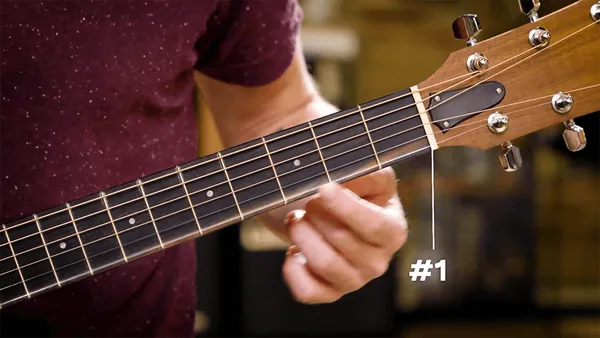
Pluck and Check
Choose your tuning from the tuning list in the tuner. Start with String 1 (thinnest string). Pluck it and watch the tuner respond. Aim for the middle line, which indicates perfect tuning.
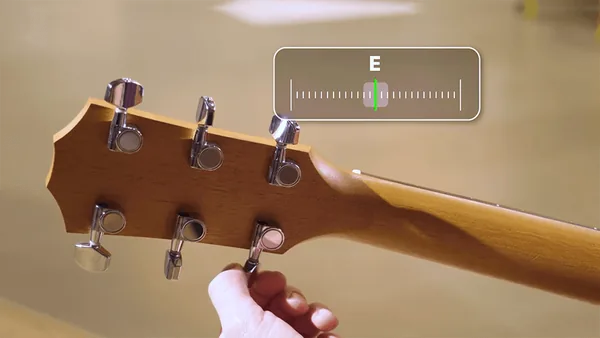
Adjust the Peg
If the pitch is too low, gently tighten the string; if it’s too high, gently loosen it. Repeat until the tuner shows the middle line and you hear the success sound.
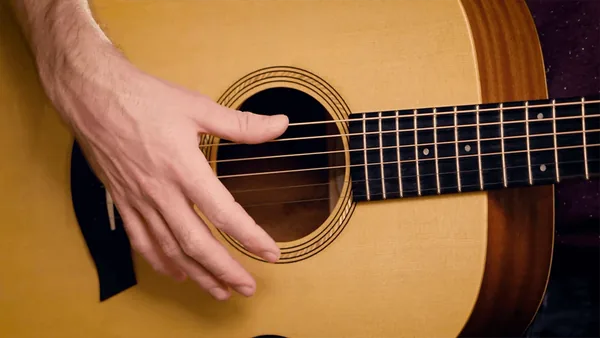
Tune All Strings
Move through each string (1 to 6), tuning them in order. Recheck all strings after tuning, as adjustments may affect others.
Tuning Tips
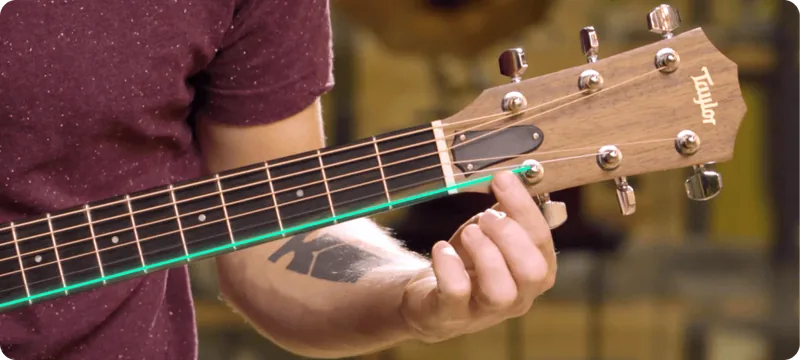
Trace the String
Follow the string to its tuning peg to ensure you’re turning the correct one.
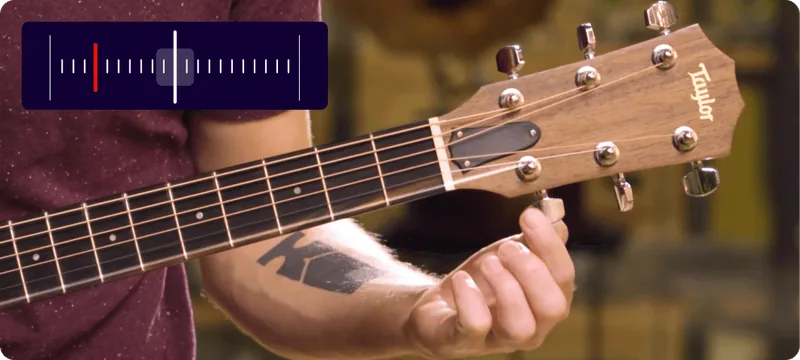
Avoid String Snapping
If turning the peg doesn't change the tuner reading, double-check you’re adjusting the right peg. Turning the wrong one may cause a string to snap.

What is Standard Tuning?
Standard tuning (EADGBE) is the most common guitar tuning, used for nearly every song, solo, or riff. The strings align to these notes:

When should I tune my guitar?
Guitar strings naturally shift pitch due to temperature, humidity, and use. Regular tuning ensures the best sound. If your guitar frequently goes out of tune, consider a professional check-up to ensure it's properly set up.

Looking for a tuner app?
If you’d like to tune your guitar on the go, you can download Simply Tune, our dedicated tuner app, completely free.